A DNS Cutover Checklist for Moving Your Website to a New Host
 PlaneHost team
3 min read
Moving a website to a new host usually means changing A records or nameservers. It should not automatically mean changing email. Yet a single forgotten MX or TXT record can stop mail for a whole company while the website looks perfectly fine. Treat DNS as its own workstream, with a named owner and a written rollback decision.
Before the change
- Find where DNS is authoritative. Check the domain's nameservers. Editing records in the wrong dashboard (registrar vs. Cloudflare vs. old host) changes nothing.
- Export the full zone: A, AAAA, CNAME, MX, TXT (SPF, DKIM, DMARC, verification), CAA, SRV, and every subdomain. A screenshot is better than nothing; an export file is better still.
- Test the new server privately before anyone else sees it — for example with a hosts-file entry or a temporary URL — including SSL, forms and logins.
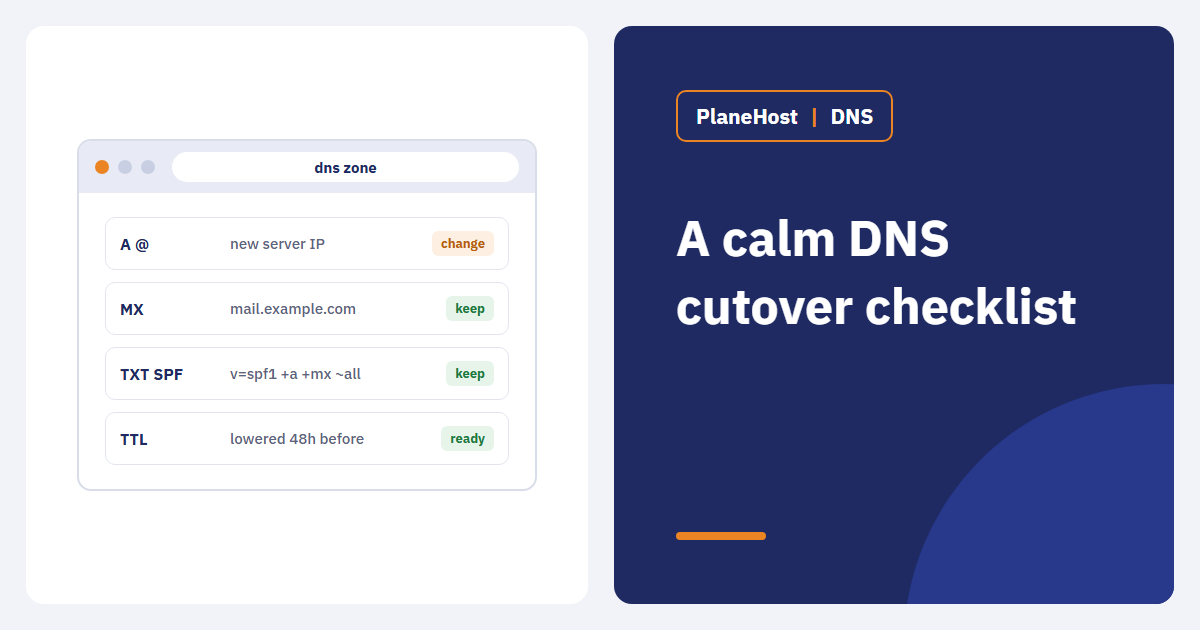
- Lower the TTL on records that will change, 24–48 hours ahead. Resolvers that cached the old TTL will still take that long to refresh, so this is preparation, not an instant switch.
- Leave mail records alone unless email migration is explicitly in scope.
During cutover
- Publish the agreed change — nothing more.
- Check the answer from several public resolvers, not just your own computer.
- Confirm the new server presents a valid certificate for every hostname.
- Keep the old server running, but stop it from accepting new writes. Shops, booking systems and membership sites must not take orders on two servers at once.
- Test beyond the homepage: redirects, assets, login, contact forms, transactional email, payment callbacks and any API used by apps.
If you use a CDN or proxy, update the origin IP there and review caching rules so visitors are not served stale pages from the old host.
After the change
- Monitor errors, form submissions, orders and DNS answers until traffic consistently reaches the new host.
- If DNS hosting moved, recheck SPF, DKIM, DMARC, MX and verification records — this is where email usually breaks.
- Document the final zone. Remove old records only once you are sure nothing uses them.
You can check the live records for any domain with our free DNS lookup tool, which also tests SPF and DMARC.
What a rollback can and cannot fix
Pointing DNS back to the old server sends visitors there again. It does not bring back the orders, sign-ups or messages written on the new server in the meantime. For any dynamic site, the rollback plan must say where post-cutover data goes. That is why the DNS checklist and the migration plan belong together.
How we handle it
When we migrate a site for free, we copy files, databases and email from your current cPanel (or a backup link), run the site on our server and test it before asking you to change DNS. Most sites move within one business day, and we time the switch so any interruption is as short as possible.
Takeaway: inventory, test, cut over, verify, document. A calm DNS migration comes from preparation, not from choosing a low TTL.