Migrating a Membership Website Without Breaking User Logins
 PlaneHost team
3 min read
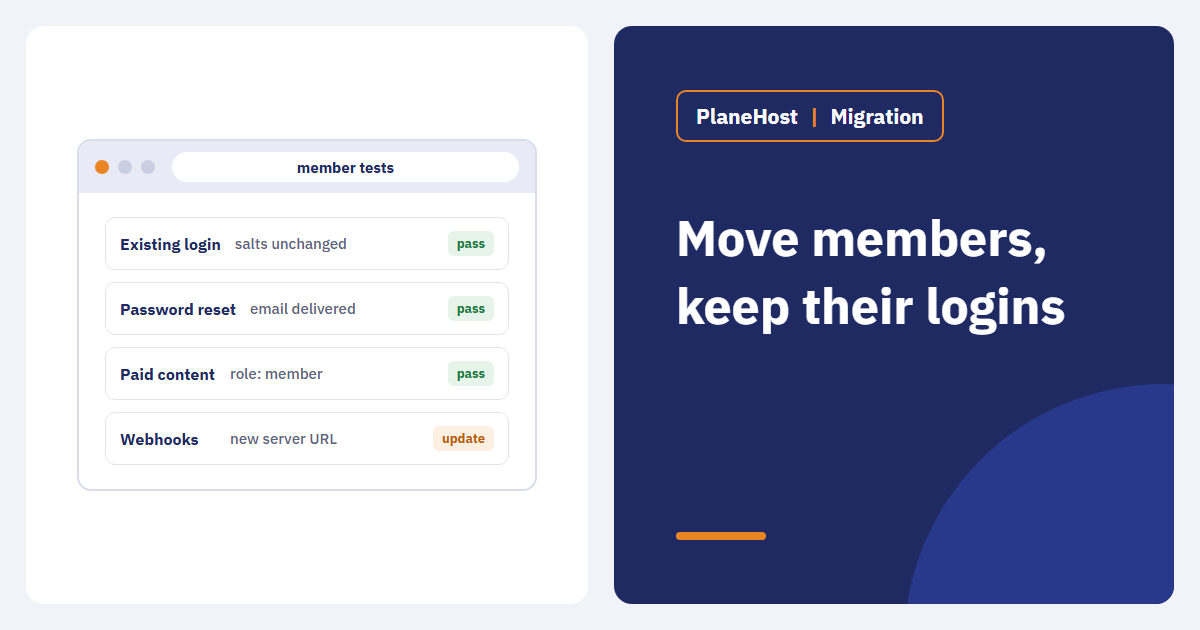
A brochure site that loads after a move is usually fine. A membership site can load perfectly while existing members cannot sign in, paid content shows to the wrong people, or password-reset emails never arrive. Membership platforms depend on user records, roles, sessions, background jobs, email and often payment events. Copying files and the database is necessary — but it is not proof that anything works.
Inventory how people sign in
- Login method: local passwords, a WordPress membership plugin, social login, or an external identity provider.
- Callback and redirect URLs registered with Google, Apple, Microsoft or your SSO provider — a changed domain or protocol breaks them.
- Sessions and cookies: where sessions are stored and which cookie domain is used. Changing either can sign everyone out at once. A single re-login is acceptable; silently losing permissions is not.
- Security keys: WordPress salts or app keys must move unchanged, or every saved session and some encrypted data become invalid.
List every member workflow
Recurring payments, course progress, drip content, role-based dashboards, certificates, forums. Each needs its own acceptance test. For subscriptions, write down where the source of truth lives (the plugin, Stripe, PayPal, a payment gateway) and how its webhooks will reach the new server.
Validate on a protected staging copy
- Restrict access, block indexing, disable outgoing member emails, and switch payments to sandbox mode.
- Test: a new signup, an existing member logging in, a password reset, opening restricted content, a cancellation, and a role change.
- Confirm the cache never serves logged-in pages to the wrong person. On LiteSpeed servers, LiteSpeed Cache handles logged-in users separately by default, but custom membership plugins may need their own exclusions.
- Check scheduled tasks — renewals, expiry notices and drip releases usually run on cron.
Plan the cutover around new data
Members keep registering, paying and posting while you migrate. Decide how sign-ups and changes made on the old server during the move will be carried over — a final database sync or a short maintenance window, depending on the platform. If members may need to log in again, tell them in advance.
Monitor through a full cycle
Watch failed-login rates, password-reset delivery, application logs, payment webhooks and support requests. Spot-check that members see only their own content. A clean DNS switch is not the finish line; keep watching through at least one billing or renewal cycle where practical. Our transactional email checklist covers the email side in detail.
Rollback needs a data decision
If members sign up or pay after the move, restoring the old database loses those records. Write down what happens to post-cutover data before you start. Often, fixing the new server while keeping its latest state is safer than a blind return to the old snapshot.
How we help
Our free migration moves files, databases and email from your current cPanel or a backup, and we test the site on our server before you change DNS. For membership sites, send us your list of critical flows — login methods, payment provider, scheduled tasks — so we can test them on the new server and agree the cutover time with you.
Takeaway: accept a membership migration only after real member journeys, permissions, emails and integrations have been tested end to end.